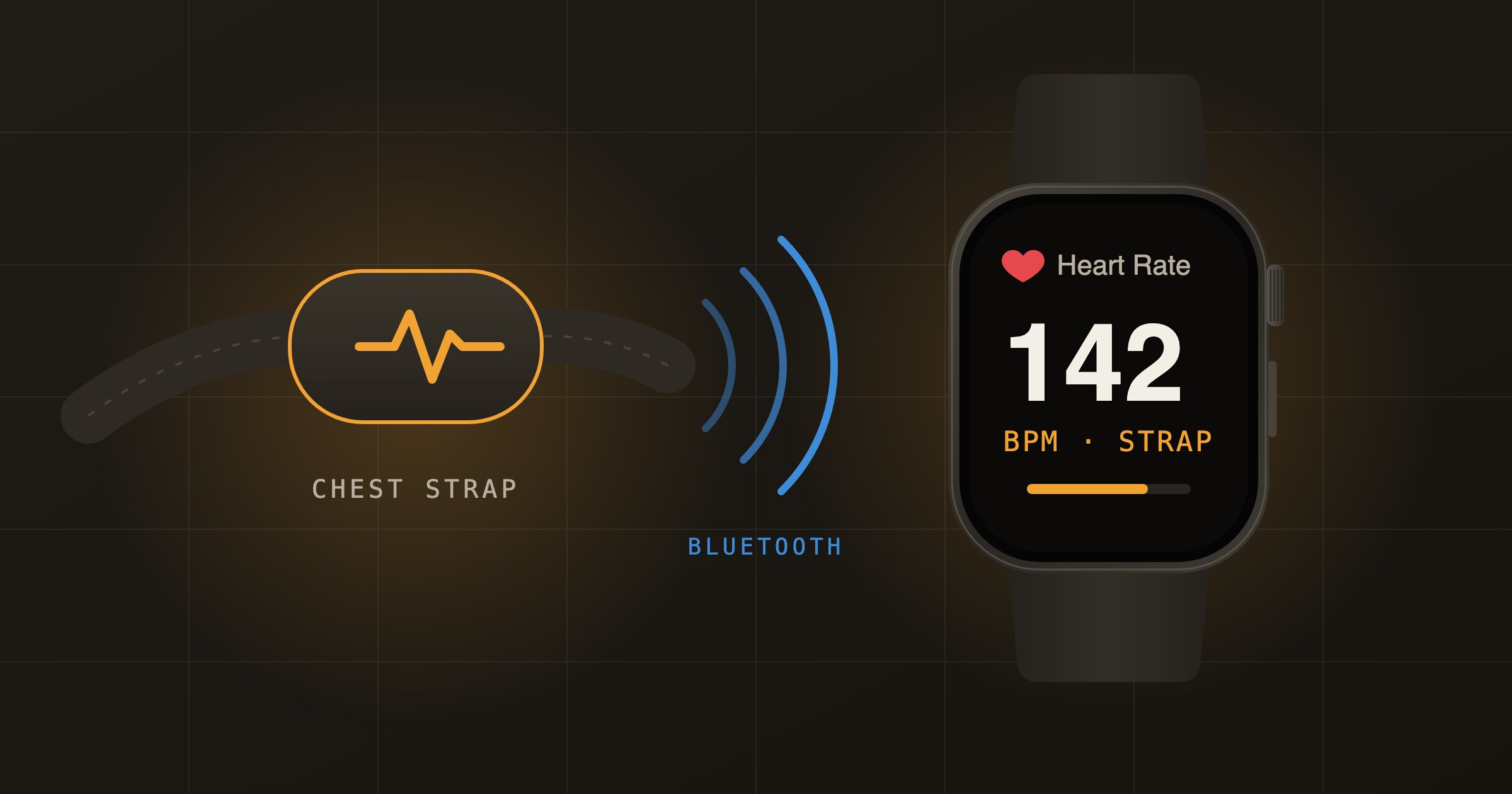
A chest strap reads your heart rate from the electrical signal at your chest. It keeps up with fast changes in interval training better than the optical sensor on the back of your wrist. Apple Watch can use any Bluetooth chest strap as its heart rate source, so you get strap accuracy in the Workout app and in Health. This guide works for the F45 Lionheart, the Polar H10 and most other Bluetooth chest straps.
Which straps work
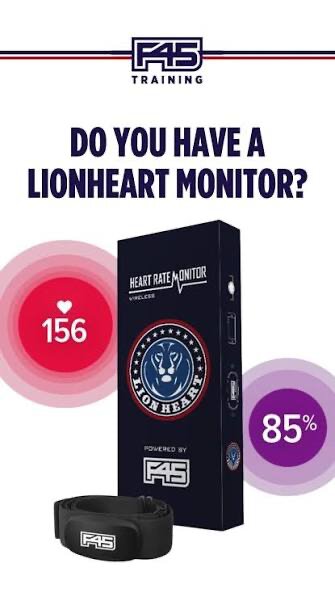
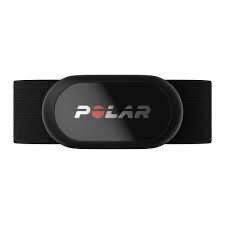
The strap must support Bluetooth Low Energy, also called Bluetooth Smart. Straps that only use ANT+ or older Bluetooth will not show up on the watch. The F45 Lionheart sends both ANT+ and Bluetooth, and the Polar H10 sends Bluetooth too, so both pair without trouble.
Before you start
- Wet the two electrode pads on the strap. Dry skin gives a weak or missing signal.
- If the strap is paired to your iPhone or a phone app, unpair it there first. Many straps talk to one device at a time and will hide from the watch.
- Keep the watch close to the strap while you pair.
How to pair a chest strap to Apple Watch
- Put the strap on. Skin contact wakes the sensor up.
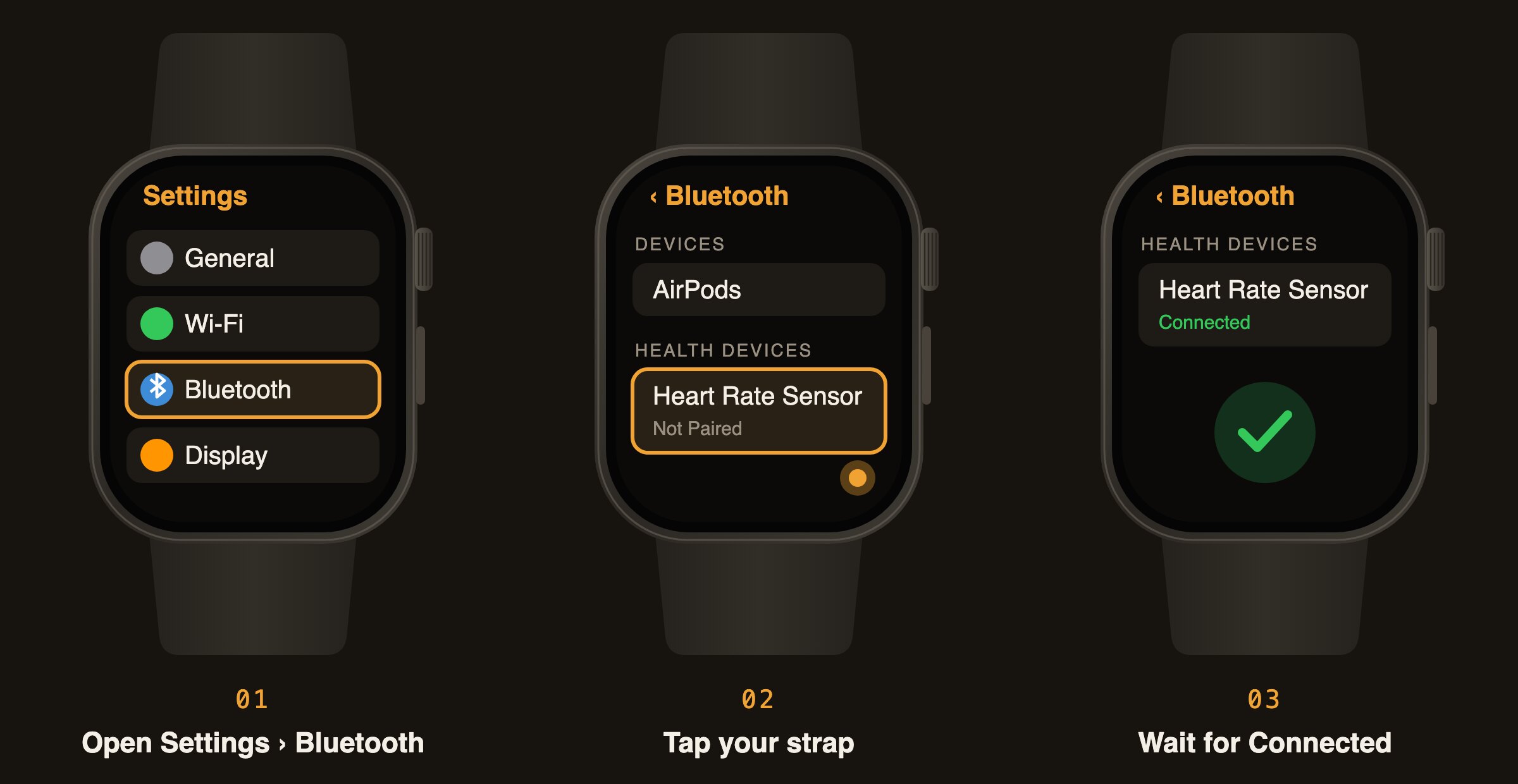
- On your Apple Watch, open Settings and tap Bluetooth.
- Scroll down to Health Devices. Give it a few seconds to find the strap.
- Tap your strap. It may show by model name with an ID (for example Polar H10 and a number) or simply as Heart Rate Sensor.
- Wait until it says Connected.
You only pair once. Next time, put the strap on and start a workout in the Workout app. The watch connects on its own and uses the strap for heart rate while it is in range.
In an F45 studio
The Lionheart also feeds the studio screens. F45 says a Bluetooth wearable close by, such as an Apple Watch, can interfere with the Lionheart signal. If you wear both, only the Lionheart results appear on the studio TVs and in your Lionheart report. If the screen shows a lower heart rate than you expect, wet the pads again and check the strap sits snug under your chest.
If the strap does not show up
- Charge the strap or replace its battery.
- Forget the strap on your iPhone and close any fitness app that may be holding the connection.
- If it was paired to the watch before, forget it in the watch’s Bluetooth settings and pair again.
- Restart the watch and take the sensor off the strap for a few seconds before you try again.