Widgy widgets, built to spec.
Home screen widgets for the Widgy app, in the FactorialOne! palette. Each one comes as a QR code you import straight into Widgy.
Widgets
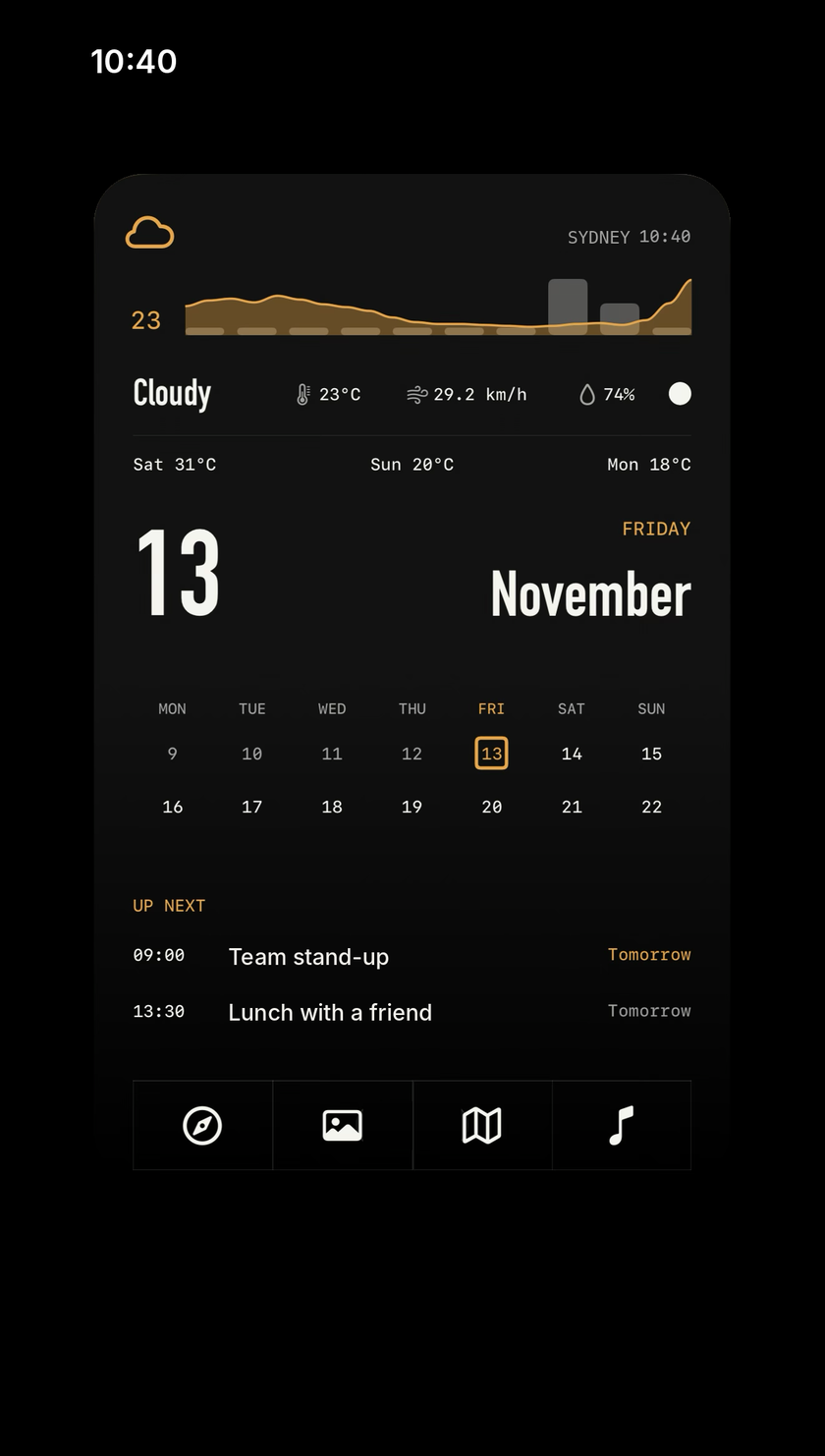
Day
Weather with an hourly temperature curve, the date, this week and next, your next two events and four apps, on one full page. Today moves across the calendar on its own.
| SPEC | |
|---|---|
| Size | Extra large (full page) |
| Layers | 109 |
| Live data | Weather now, hourly and daily, calendar events, date and time |
| Taps | Weather, Calendar, Safari, Photos, Maps, Music |
Digest
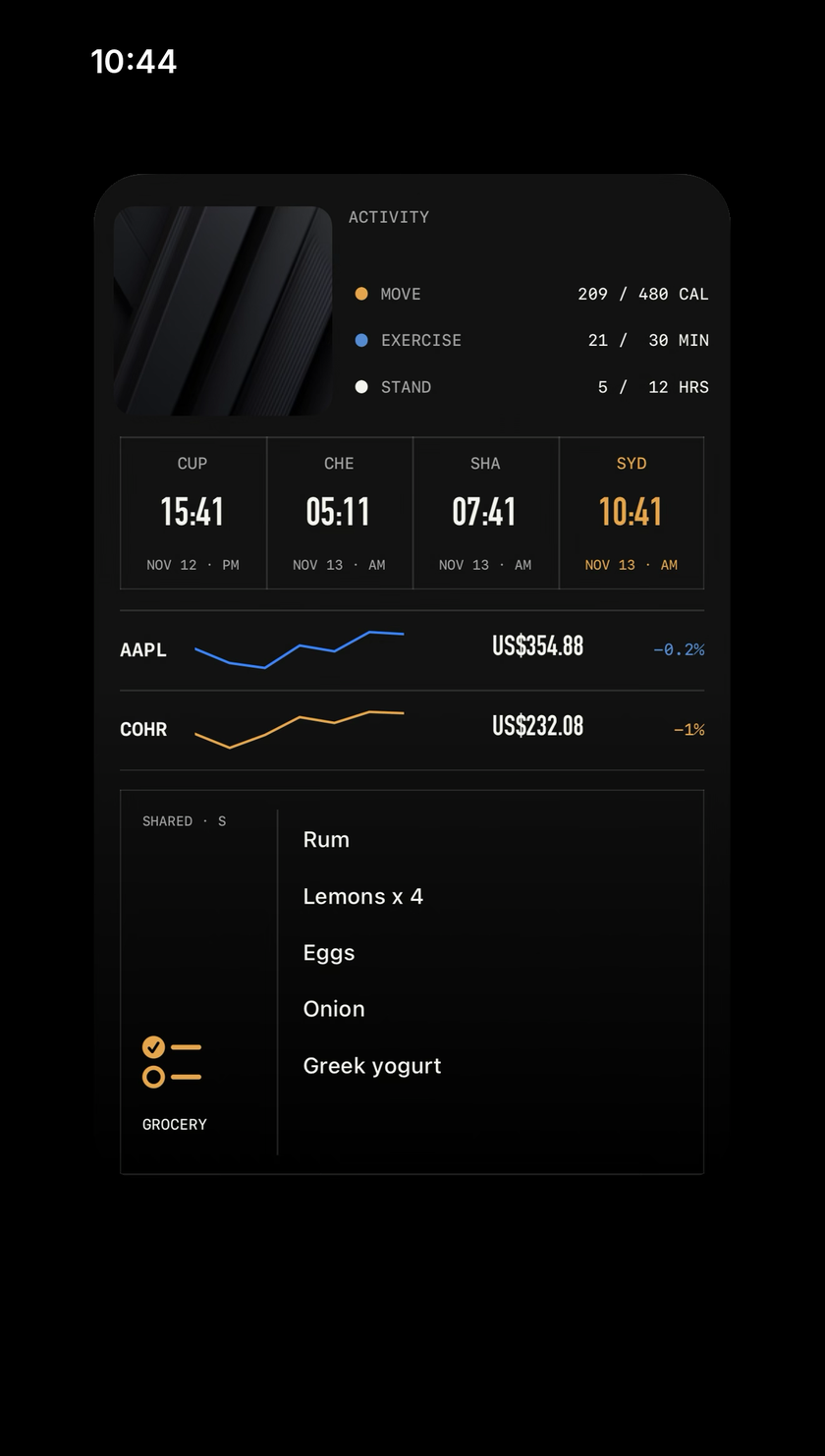
A morning read on one full page: a photo, activity, four world clocks, AAPL and COHR, and your grocery reminders. After you import it, tap the photo layer in Widgy and pick one of your own albums.
| SPEC | |
|---|---|
| Size | Extra large (full page) |
| Layers | 69 |
| Live data | Time in four cities, AAPL and COHR, active energy, reminders, a photo album |
| Taps | Photos, Health, Clock, Stocks, Reminders |
Import a widget
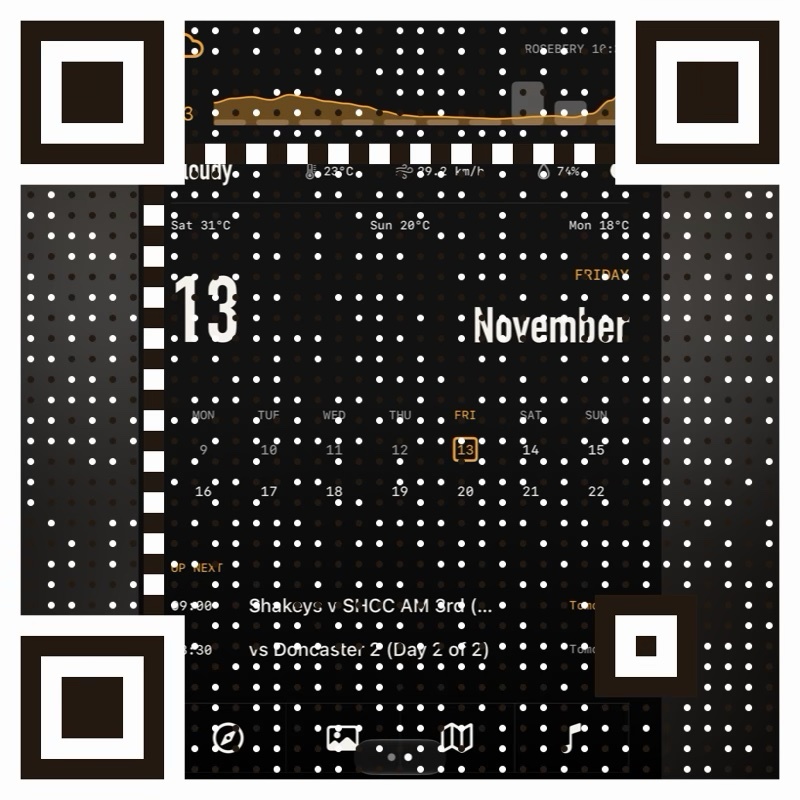
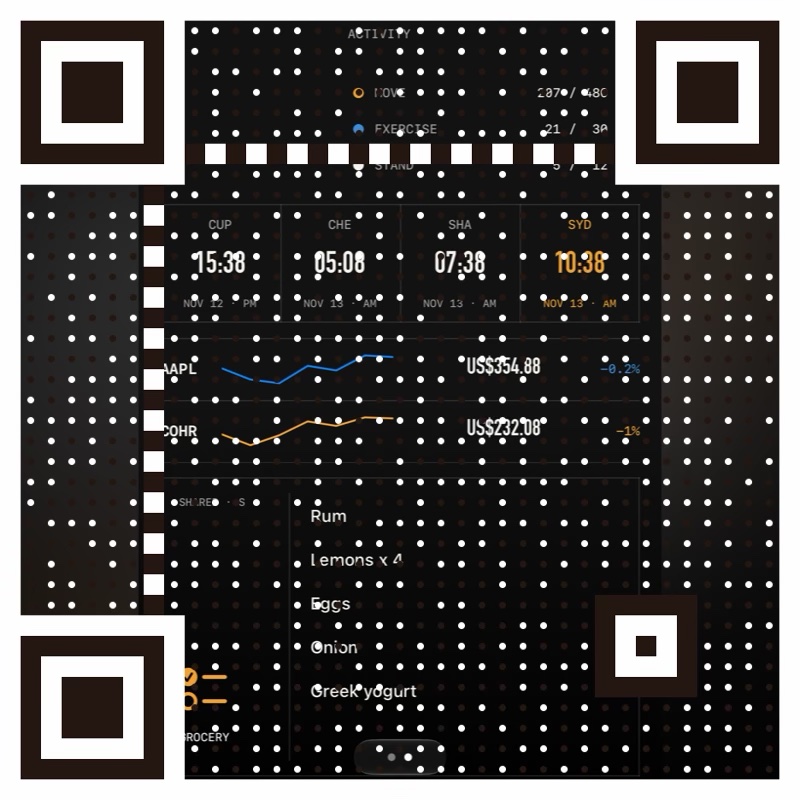
Widgy reads the QR code from a photo, so the code only has to reach your camera roll.
- Save the QR code. On iPhone, long-press it and choose Save to Photos, or tap Save QR code.
- Open Widgy. Go to the Create tab and tap Import.
- Import it. Choose Import QR Code From Photos, pick the image and tap Add.
- Place it. Add a Widgy widget to your Home Screen at the matching size and choose the widget.
Weather and calendar
Widgy asks for location and calendar access the first time. Without them those parts stay blank.
Location label
The place name is plain text. Edit it in Widgy to show your own suburb.
Photo album
The Digest shows a random photo from one album. Choose your album on the photo layer, or the tile stays empty.
Reminders
The Digest lists your first five reminders. Pick the list to show in Widgy’s Agenda settings.
The .json file
The same widget as text, for anyone who prefers to paste or edit it.